
GastroFlow
One platform for operations — modules after that
First the workflows that carry the evening: menu, QR ordering, kitchen, reservations, guests, metrics and connections. Below that the website modules and tools Fenix Web uses to build the install.
GastroFlow
What the restaurant uses tomorrow evening
Seven workflows, the same data. Website modules and tools follow below — for the install, not the first sales pitch.
- QR ordering
- Guests scan the table code and order in the browser. No download, no account. The ticket lands on the desk.
- Kitchen
- Ticket and station instead of shouting. Status: New ? Kitchen ? Ready ? Served.
- Reservations
- Capacity and confirmation even after midnight — when nobody answers the phone.
- Guests
- Service notes in your own instance, not in a third-party portal.
- Analytics
- Daily overview, occupancy, top sellers, export — numbers for the business, not a chart gallery.
- Integrations
- Connections to hardware, partners and your own website. Technical details are in the docs.
Website modules and tools
Tech for the install
fenix-theme through Menu Importer — for teams that build or extend the site themselves. Not the entry point for restaurant operations.
Core · Web design
fenix-theme
The ecosystem’s base web design. Block-based, tailored to hospitality, connected to the website API.
For whom
- Venues that keep website and operations in one install — not on a separate platform.
Problem
- Stock themes know neither allergens nor reservation blocks. Content and operations drift apart.
How it works
- Theme structure, reservation integration, surfaces with WCAG as a benchmark — not an audit badge. Menu and page changes go live through the same blocks.
Extension · Data model
fenix-companion
Custom extension for everything pages alone cannot carry: custom post types, roles and data that keep running overnight.
For whom
- Installs with menus, shifts and permissions — not only static pages.
Problem
- Dishes in posts, roles by hand, imports without a target model. Operations have no fixed structure.
How it works
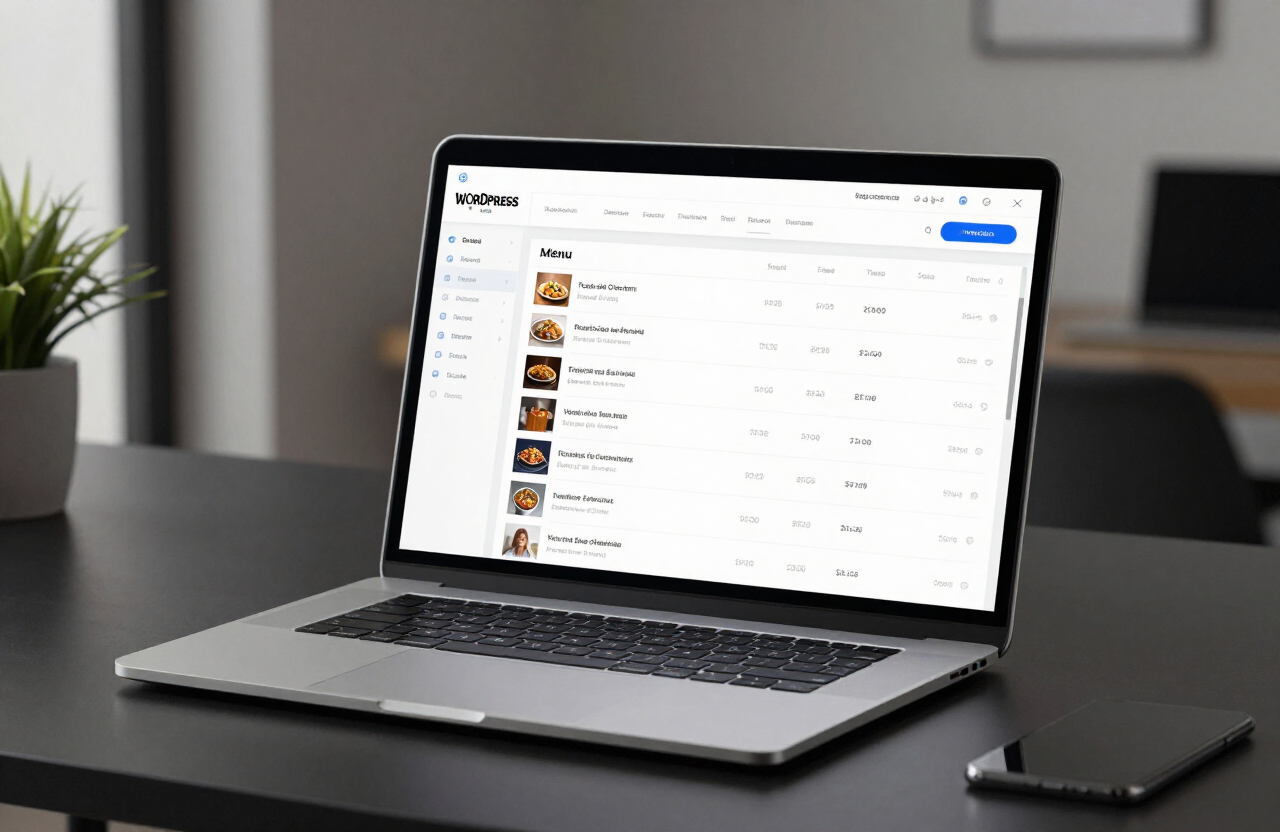
- Menu CPT, roles and permissions, data migration, cron jobs. Web design and extensions read the same model.
| Dish | Category | Status |
|---|---|---|
| Wiener Schnitzel | Mains | Live |
| Beef consommé | Soups | Live |
| Apricot dumplings | Desserts | Live |
| Fish of the day | Evening | Draft |
GastroFlow · Flow Order
QR at the table, ticket in the kitchen
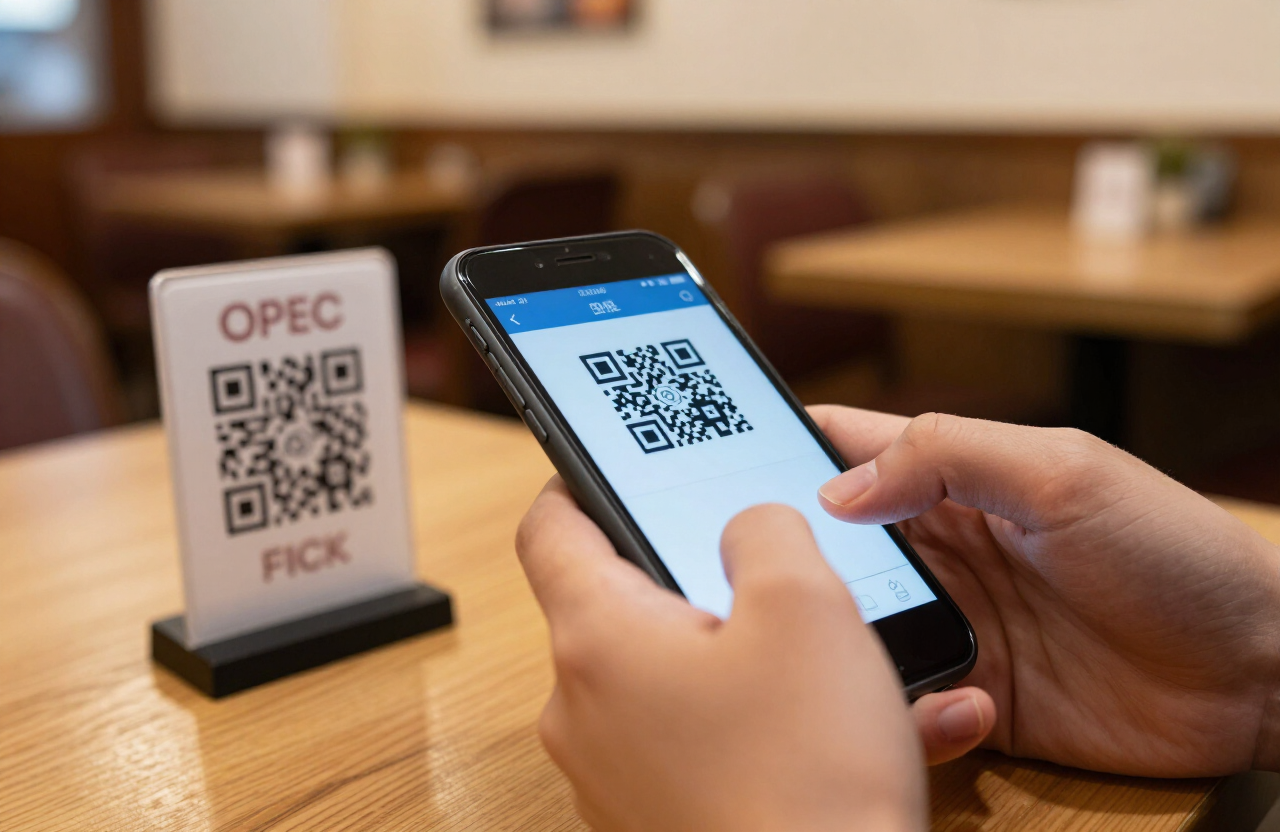
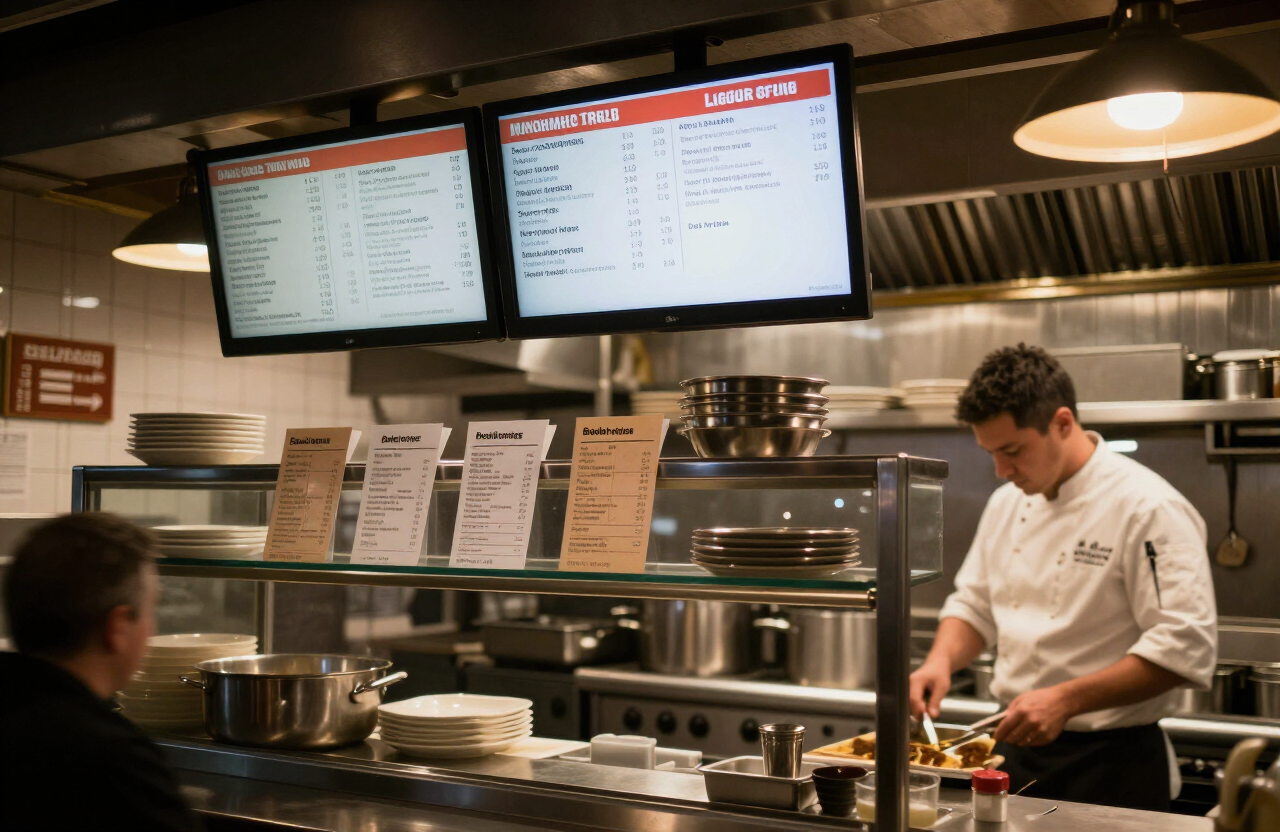
Flow Order is the ordering module: QR table codes, kitchen display, ticket printing, offline buffer. The full platform is on the GastroFlow page.
For whom
- Floor and kitchen on a busy night, when walking costs time and tickets cannot wait.
Problem
- Orders via third-party apps, status nowhere, kitchen learns too late what is at the table.
How it works
- Guests scan the table code; the order lands on the desk and as a ticket at the station. An offline buffer keeps the evening going when the network wobbles.
Extension · Forms
fenix-forms
Form engine for reservations, contact and event requests. Stored in your own website instance, GDPR-ready.
For whom
- Venues that take tables, follow-ups and events — without a second forms plugin.
Problem
- Reservations in inboxes, spam without filters, no handoff to kitchen or calendar.
Reservation logic
- Capacity, times and confirmation live in the engine — not in a spreadsheet nobody maintains.
Spam protection
- Requests are filtered before they hit the inbox or the desk.
Webhook output
- Events go to connected systems: calendar, CRM, internal routing.
Email triggers
- Confirmation to the guest, notice to the venue — from the same record.
Security · License
fenix-license-control
License checks with Ed25519 signatures. Each install is bound to its domain; modules are activated remotely and checked periodically.
For whom
- Operators and partners who must keep web design, orders and forms legal and offline-capable.
Problem
- Modules without proof, copies without a domain, downtime when a check shuts the house down.
| Website | own installation |
|---|---|
| PHP | 8.0 or higher |
| REST API | neoweb/v1 |
| Signing | Ed25519 |
| Binding | Domain, runtime, module scope |
| Offline | Grace period — operations keep running |
Ed25519 validation
- The license is signed in the generator; the module verifies the public key on start.
Seed management
- Key pairs from a custodied seed; rotation and recovery are logged.
Domain binding
- The license applies to the named domain — not to arbitrary copies.
Design · Tokens
fenix-style-guide
Design-token system and component library. One look across web design, desk and forms — with variants and live preview.
For whom
- Teams that ship web-design variants without redesigning every page.
Problem
- Colors and spacing diverge between website, order screen and kitchen display.
How it works
- Tokens, component examples, web-design variants, live preview. Modules read the same values.
Tool · Provisioning
Demo installer
One click spins up a full demo environment: sample data, sandbox, reset. For evaluation, not production.
For whom
- Venues and agencies that want to see GastroFlow and the modules before importing data.
Problem
- Empty website instance, no menu, no table — the demo stays theoretical.
How it works
- One-click setup, sample data, sandbox mode, reset to the starting state.
Tool · Import
Menu importer
Existing menus from CSV, PDF or JSON into the FENIX data model. Categories, allergens and images come along.
For whom
- Venues with a grown-up menu — Excel, PDF from the designer, JSON from the old shop.
Problem
- Hundreds of dishes typed by hand. Allergens get lost, prices drift.
CSV / JSON
- Tables and exports are mapped column by column onto the FENIX model.
PDF parsing
- Printed menus are read, not retyped — then review, then live.
Category mapping
- Starter, main, dessert: old names onto Companion’s CPT structure.
Image import
- Filenames and URLs land on the dishes, not in a dumping folder.