
GastroFlow for restaurants
GastroFlow
The evening runs on phone, paper and shouting. GastroFlow connects menu, orders and kitchen. Built by Fenix Web in Vienna.
Restaurant POS software from Vienna: digital menu, QR ordering system and kitchen display in one solution.
Before / after
What changes in the restaurant
Not a feature catalog. Two states — and the gap between them.
Before
Separate systems, paper, shouting
- Phone and notepad at the table
- Menu as PDF or printout
- Shouting into the kitchen
- Reservations in an extra tool or in someone’s head
After
One chain from table to pass
- Digital menu, live immediately
- QR ordering in the browser
- Ticket on the desk, ticket in the kitchen
- Reservations and data in the same instance
Benefits
Four things that calm the evening
The numbered sequence follows further down. Here only the points where walking disappears.
Order at the table, without an app
Guests scan the QR code at the table and order in the browser. No download, no account. Floor staff walk less with a notepad.
The ticket is in the kitchen, not in someone’s hand
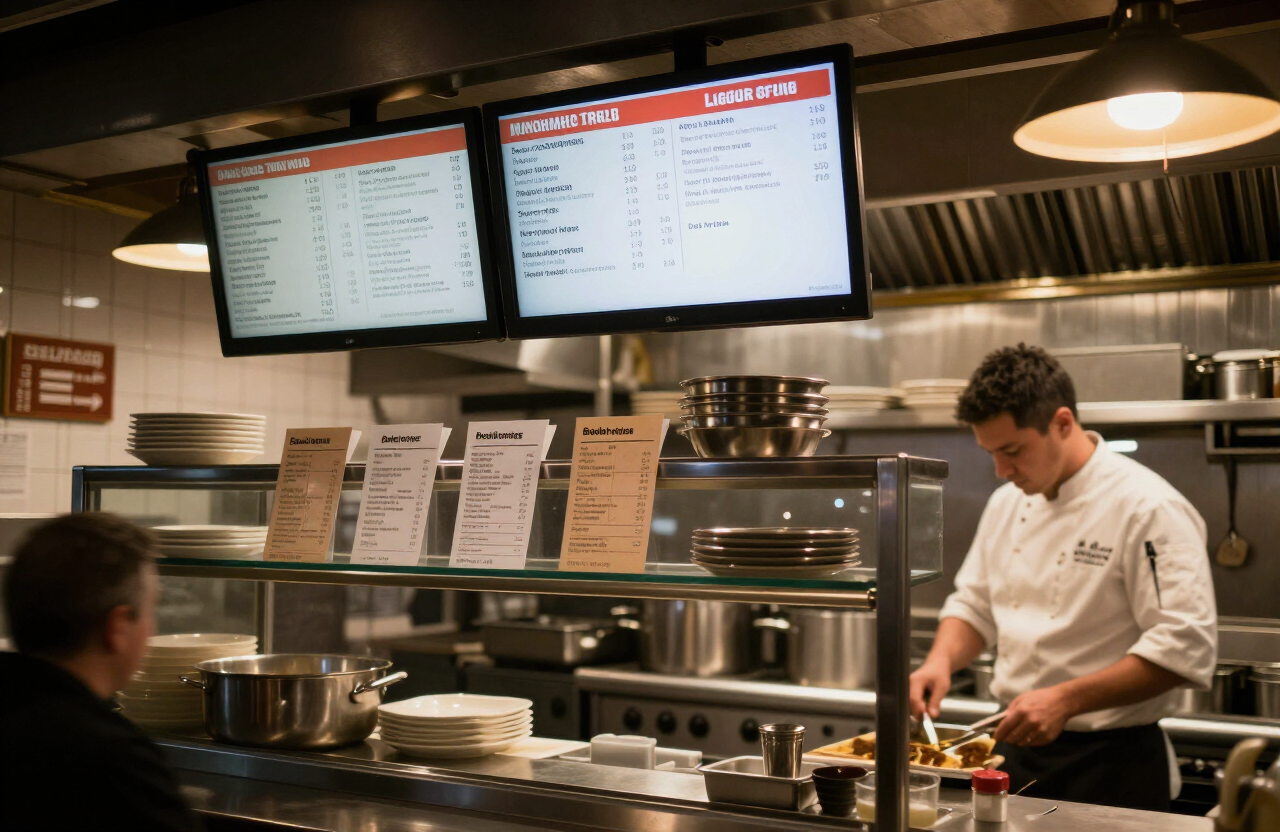
Tickets go to the desk and on to the station. Course, priority, history — instead of shouting and paper chaos.
Central menu, changes visible immediately
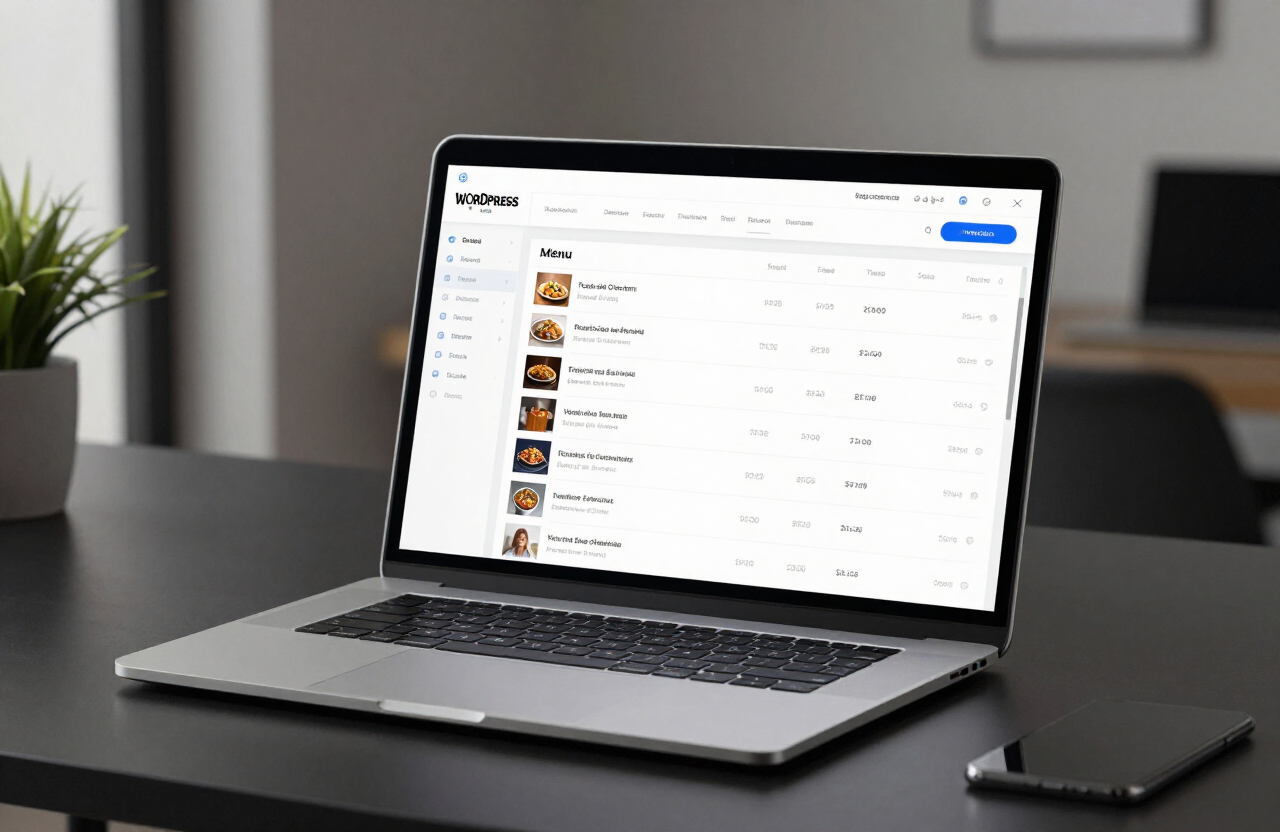
Dishes, prices, allergens and images live in one list. Daily specials and corrections go live as soon as you save.
Reservations even after midnight
Capacity, opening hours, confirmation by email. Guests book when nobody answers the phone.
Software, not illustration
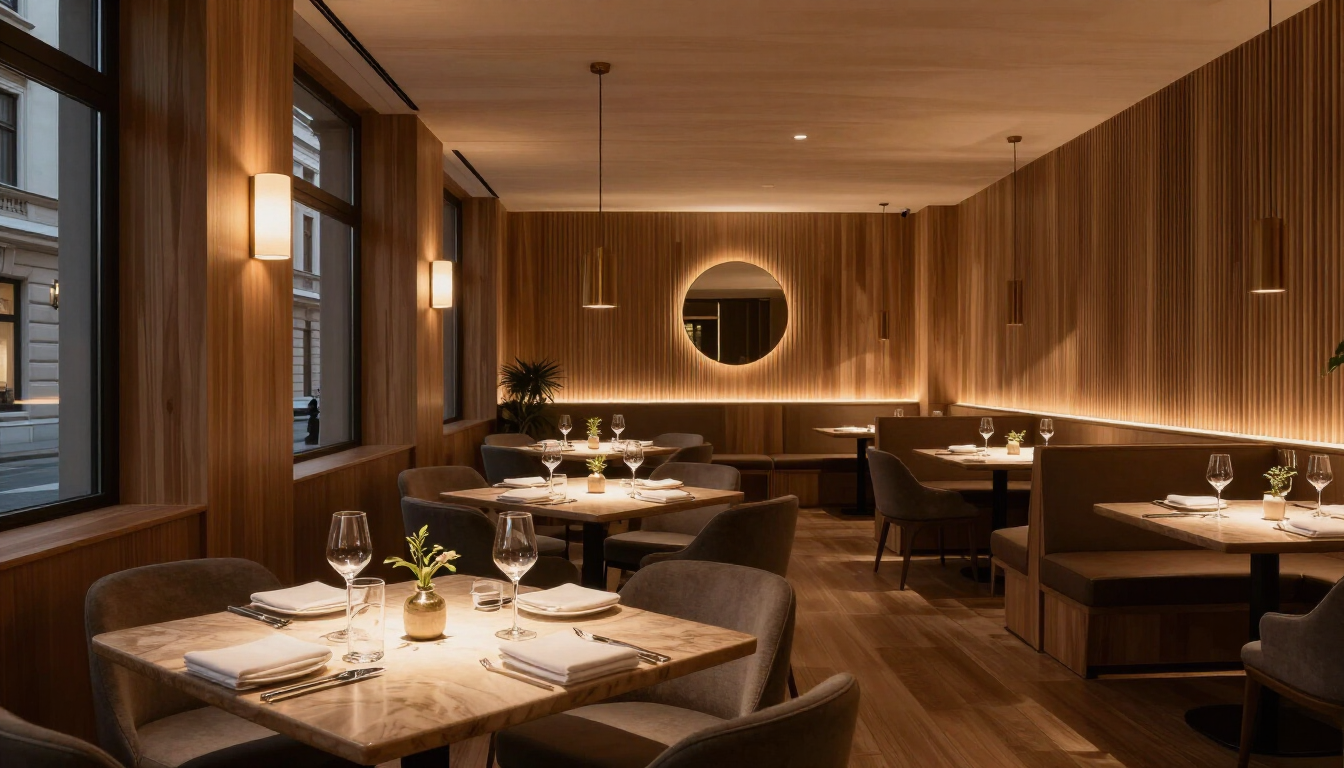
What GastroFlow looks like
Real interfaces: the menu backend, kitchen monitors in service, the room in between.
Flow
An evening in four steps
Same pattern as the live demo: guest orders, desk accepts, kitchen works, floor closes it out.
- Scan QR
The table is set up. The guest opens the menu in the browser — without an app.
- Order
Dish, quantity, note. The ticket lands on the desk, not on a slip.
- Accept and cook
Status: New ? Accepted ? Kitchen ? Ready. Station routing when you run multiple passes.
- Serve
Ready means ready. Served closes the ticket. Guest and desk see the same status.
Modules
What GastroFlow can do
Seven flow modules, one operation.
- Flow Menu
- Digital menu: categories, daily specials, allergens, images. Multilingual, changes live immediately.
- Flow Order
- QR table ordering in the browser. Contactless, live status, optional tip. No app required.
- Flow Kitchen
- Kitchen tickets and station routing. Instant print, prioritization, ticket history.
- Flow Reserve
- Table reservations around the clock: capacity, confirmation, waitlist.
- Flow Customer
- Guest profiles and notes for the floor. Data stays in your website instance.
- Flow Analytics
- Daily overview, occupancy, top sellers, export — when the business needs numbers, not charts.
- Flow Connect
- Connections to hardware, partners and your own website. Live desk as command center. Interfaces are in the docs.
Demo
Try it yourself
The interactive demo runs in the browser. No payment, no production backend. Tickets stay local — guest and desk share the same status.
Documentation
Set up, don’t guess
Handbook in two layers on the same page: operators first, developers below.
Next step
Try GastroFlow in the browser.
Walk through the demo or pick a plan. Cancel monthly.